
















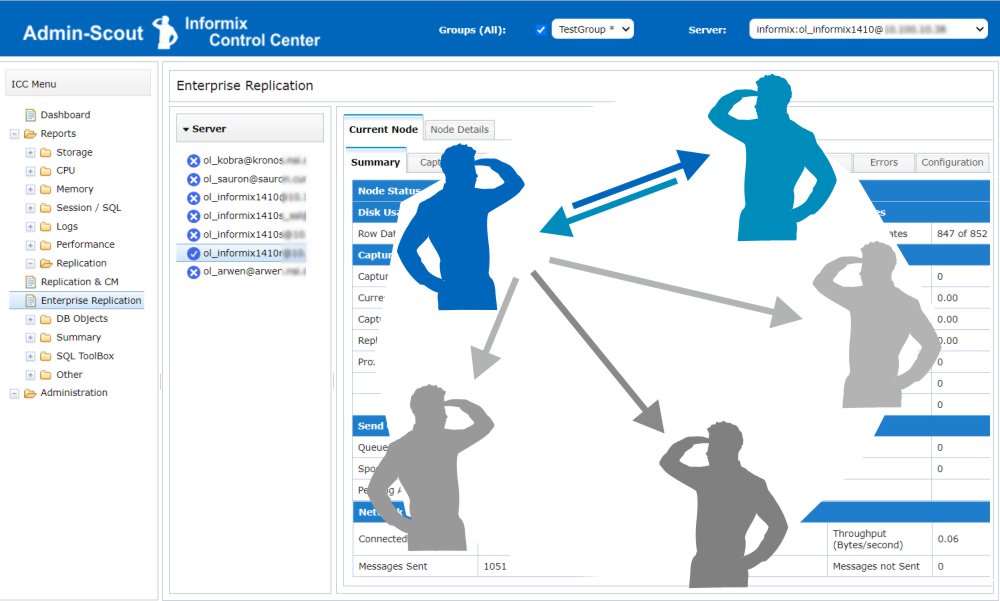
 Informix Enterprise Replication is a powerful way to replicate data assets across distributed installations and keep them consistent.
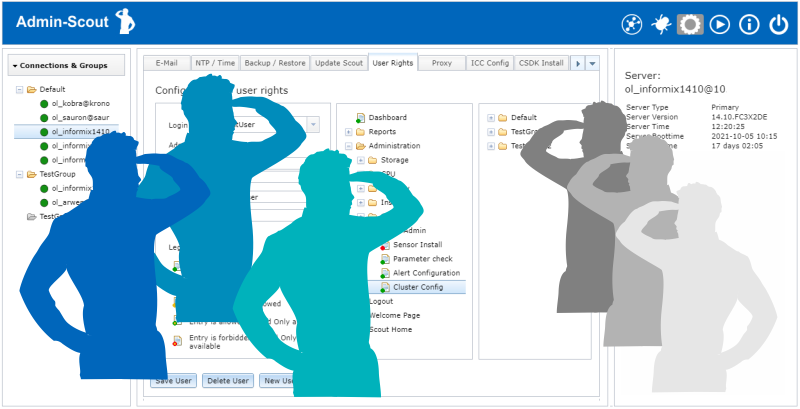 Customized use of the Admin-Scout thanks to the new role concept
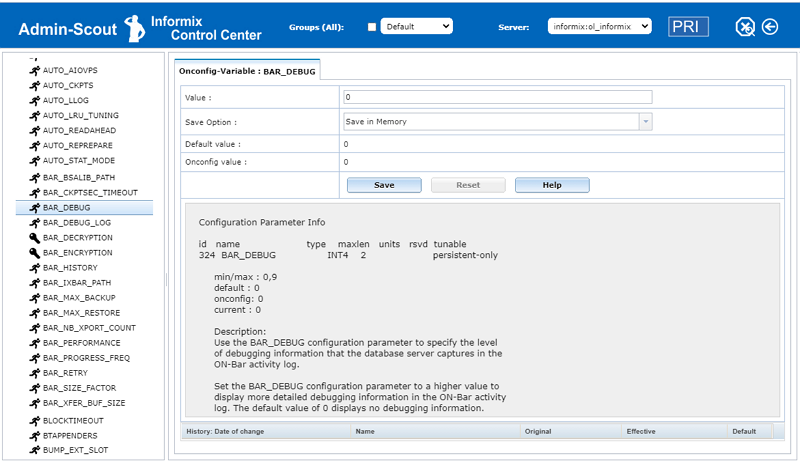 With the ONCONFIG Explorer, Admin-Scout 3.2 offers a completely new module for managing ONCONFIG variables.
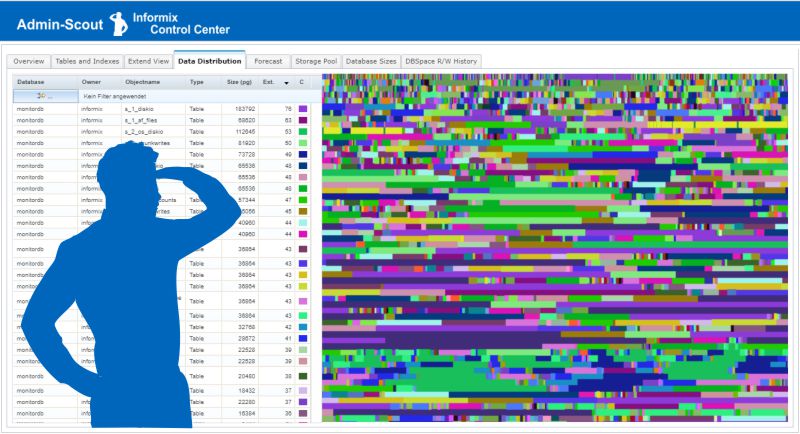 The entire storage administration clearly arranged in one module!
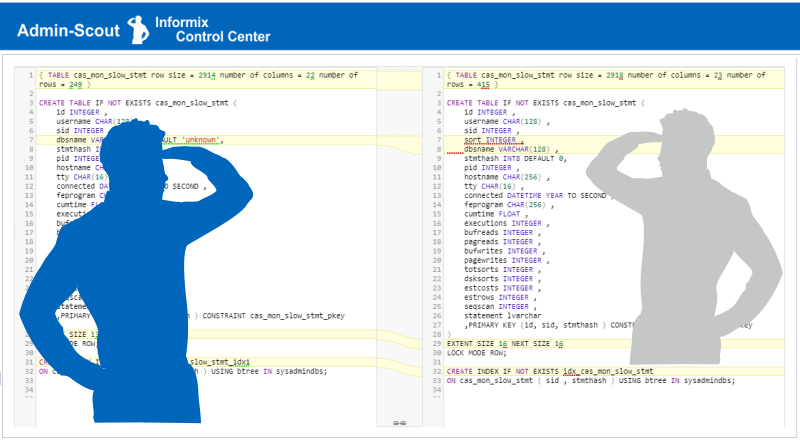 Admin Scout 3.2 offers a long-awaited feature: easy comparison of the databases' structures in different instances.
 Version 3.1 continues the journey to new functions for developers and administrators.
 Admin-Scout 3.0 offers a completely revised design and up to 60% faster evaluations.
 A security warning was issued on October 8, 2020 (CVE-2020-4799) for IBM Informix Dynamic Server.

 Informix Release 14.10.xC2 of September 2019
  Many applications based on Informix have two things in common: existential importance for the company and exceptionally long periods of use. It is not surprising that many long-established solutions are available as 32-bit versions.
 We asked the question, which areas of an Informix database system have to be administered manually and where is it possible to set up an automated administration? The goal is to achieve increasing automation and independent optimization of the system through an interaction of sensors and tasks.
 Already in the last versions many improvements were introduced for the security of the Admin Scout. It was very important for us that during a login no more passwords are transferred between Admin-Scout and the browser.
 With the release of Informix 14.10, IBM offers a new licensing option. Except for special licensing models for ASL/ESA resellers, Informix installations are usually licensed by user or processor power. Many sales partners criticize the licensing according to Processor Value Unit calculation (PVU licensing), as too complicated and too little comparable in their calculations. In software projects, the target platform is often still uncertain in the offer phase. PVU licensing cannot be offered to potential customers because the basis for a calculation is not known at this point.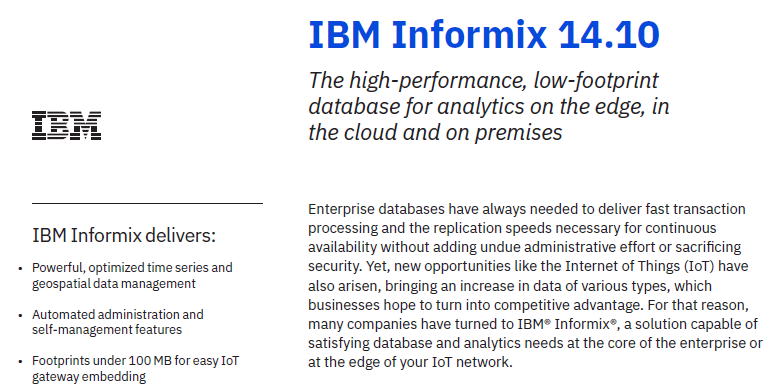
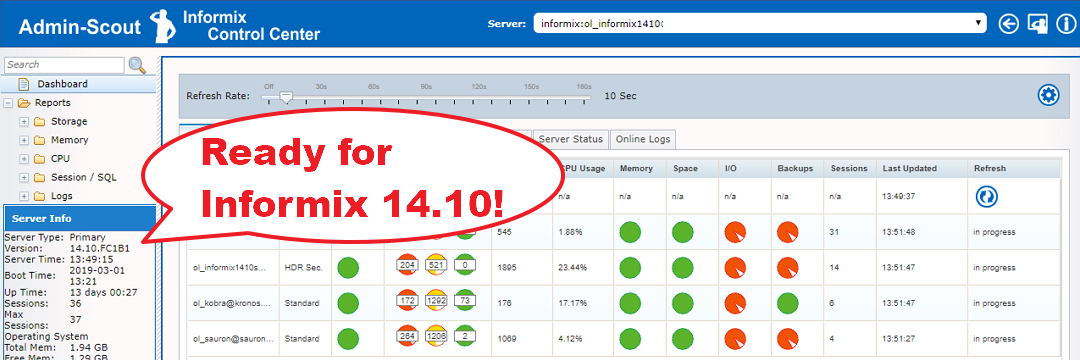 Important features for cluster configuration and better analysis of instances in a group
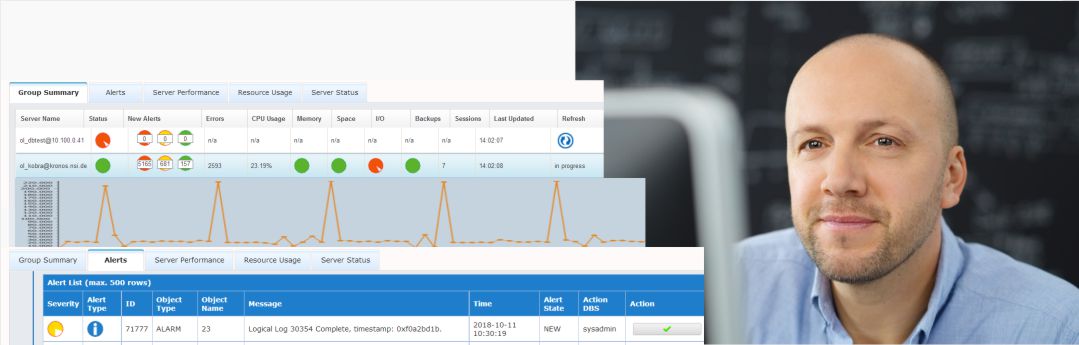 The Admins-Scout Dashboard is an extremely powerful and informative tool that gives you an overview of the state of your Informix servers
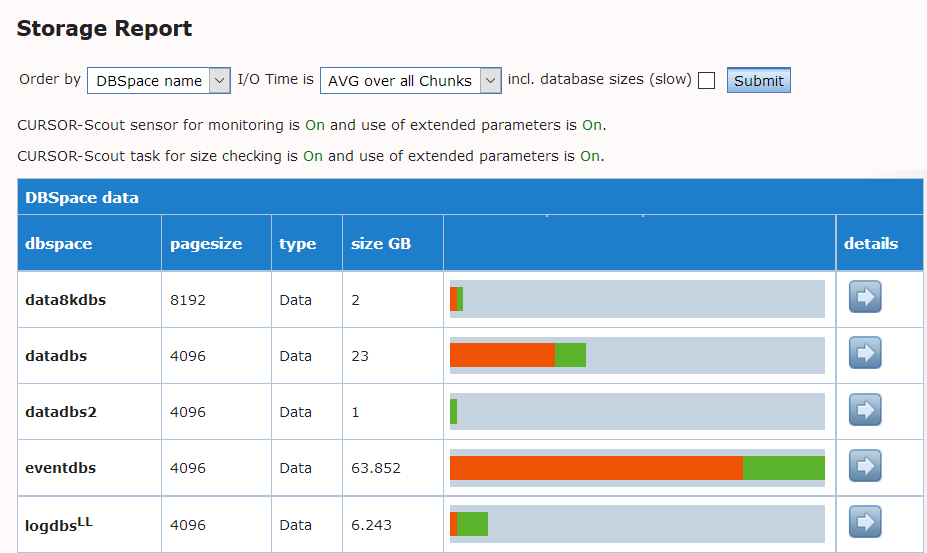 An Admin-Scout feature for fast analysis of DBSpaces


 IIUG Konferenz 2015

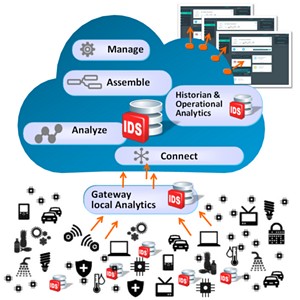
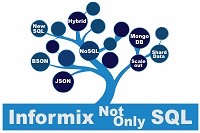 With the Version 12.10.xC2 IBM created the opportunity to access the Informix database with MongoDB-clients and to use the Informix NoSQL functionality.
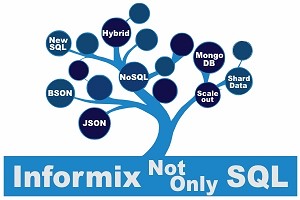 Informix go’s NoSQL
 IBM Informix NoSQL (2013-09)


 Powerful and simple have always been watchwords for the IBM Informix database server and version 12.10 continues in that vein with enhancements to five key feature areas.

 As a provider of solutions for energy and utilities companies across Europe, AMT-SYBEX is constantly looking to develop new products and services that help its customers meet the challenges of an ever-changing industry. When the UK government announced that the introduction of smart metering technologies to all homes would be a top priority, AMT-SYBEX immediately recognised that the proposed rollout presented both a challenge and an opportunity that would soon be repeated in other global energy markets.
 Hildebrand provides creative and technology consulting for service organisations. The company’s technology team specialises in combining innovative technology with real-world experience, turning complex problems into a source of competitive advantage. Hildebrand’s consultants became fascinated by the challenges posed by smart monitoring of home electricity usage, and began a project funded by the Seventh Framework Programme for EU Research (FP7) ...
Informix Online Workshops save time and money
As a full-service distributor for IBM databases, we not only supply software, but also pass on the specialist knowledge for successful use to our customers. We usually conduct training courses and workshops in our own seminar rooms or directly at the customer's location:
- Individual selection and preparation of topics
- Training directly at the workplace of your employees
- Tailored to your scheduling and working time planning
- Didactically meaningful units of 90 minutes
- Especially suitable for small groups
- No training room necessary
- No travel time
- No travel costs
An example:
An Informix basic and advanced training course was needed for a team of developers and administrators. Taking into account the different prerequisites and tasks of the eight participants, the schedule had to be planned in such a way that the team could take part in the training throughout. Not a simple requirement for a training of several days, especially if the operative tasks only allow a temporary release of the employees.
After we had had several good experiences with short online workshops last year, our suggestion was to spread the training over several dates and to conduct it as a online seminar. Technical contents were clarified and the topics were divided into didactically meaningful teaching units. The seminar was then conducted in four units - flexibly according to the customer's schedule - spread over two weeks.
As a seminar, the first two units dealt with Informix basics, configuration, administration and tuning of the database system. The following units were specifically aimed at application development. In addition to new database properties, the possibilities for optimizing SQL applications were presented. The teaching style changed towards a workshop with questions and a direct reference to the customer's development environment.
 The participants were extremely satisfied with this type of seminar execution both technically and methodically - customer quotes:
"The training was very well received by the participants and the professional competence was expressly praised."
"The type of online seminar and the division into 4 dates were correct. We should consider this again for future training courses".
(reference contact on request)
Informix Online Workshop |


 For full access to this site, please log in.


