






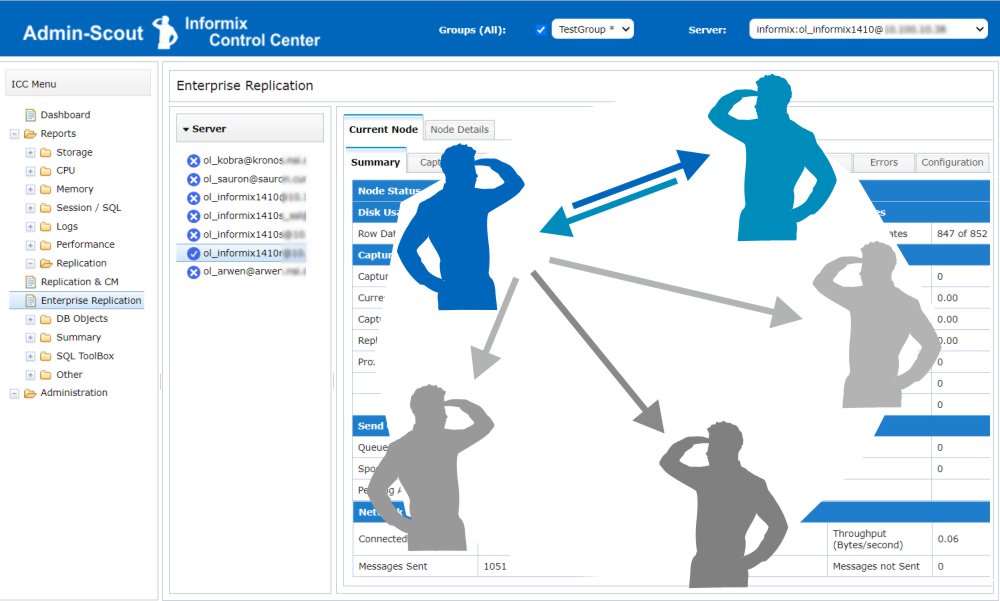
 Informix Enterprise Replication is a powerful way to replicate data assets across distributed installations and keep them consistent.
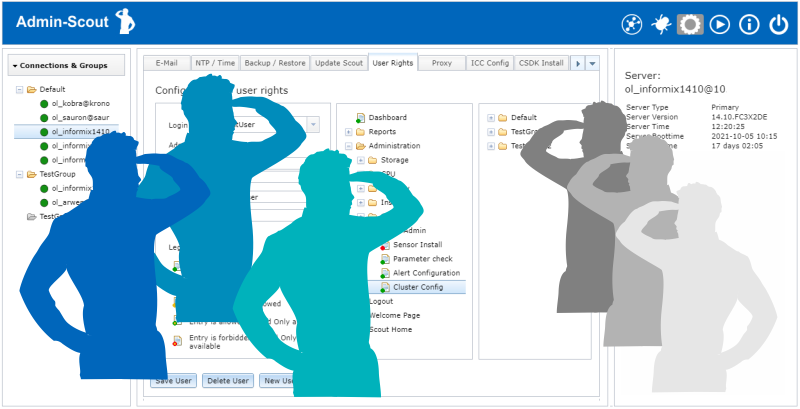 Customized use of the Admin-Scout thanks to the new role concept
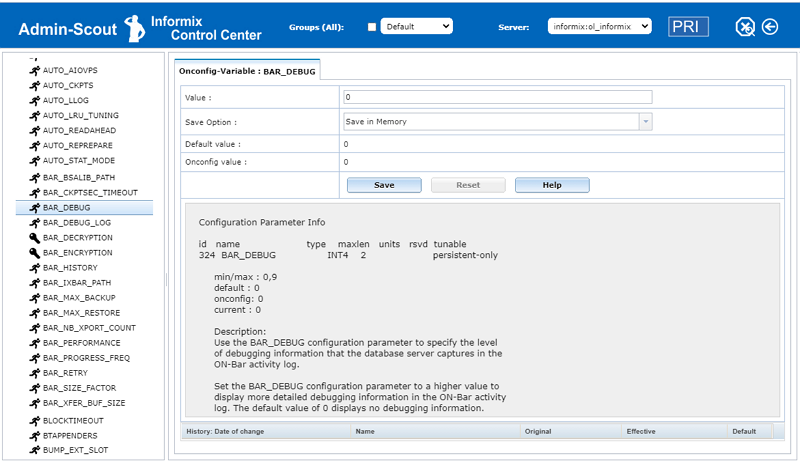 With the ONCONFIG Explorer, Admin-Scout 3.2 offers a completely new module for managing ONCONFIG variables.
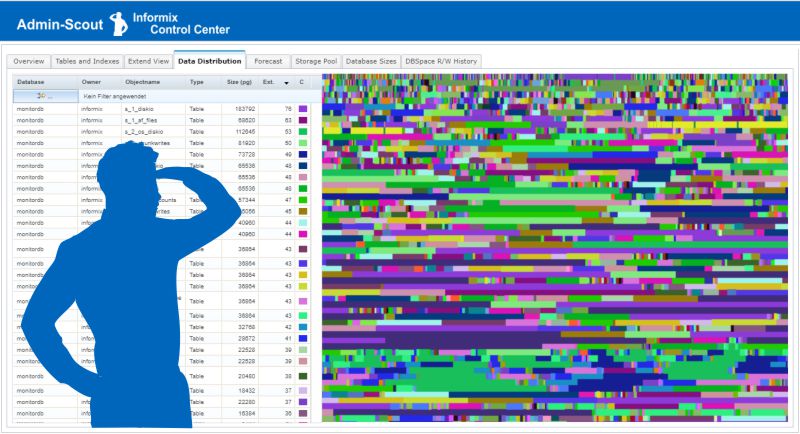 The entire storage administration clearly arranged in one module!
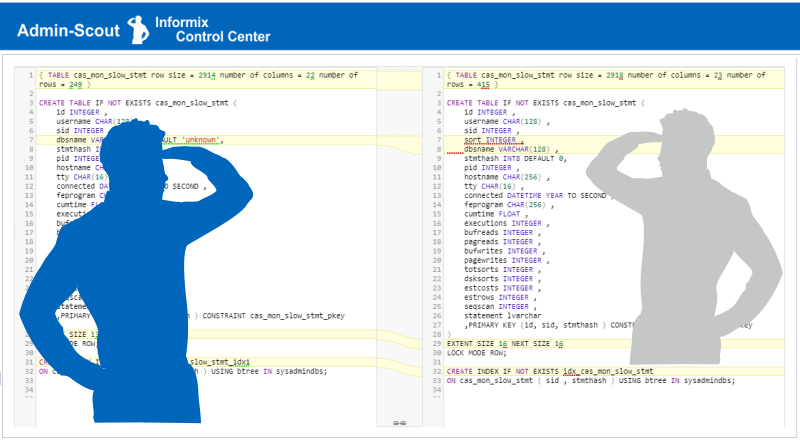 Admin Scout 3.2 offers a long-awaited feature: easy comparison of the databases' structures in different instances.
 Version 3.1 continues the journey to new functions for developers and administrators.
 Admin-Scout 3.0 offers a completely revised design and up to 60% faster evaluations.
 We asked the question, which areas of an Informix database system have to be administered manually and where is it possible to set up an automated administration? The goal is to achieve increasing automation and independent optimization of the system through an interaction of sensors and tasks.
 Already in the last versions many improvements were introduced for the security of the Admin Scout. It was very important for us that during a login no more passwords are transferred between Admin-Scout and the browser.
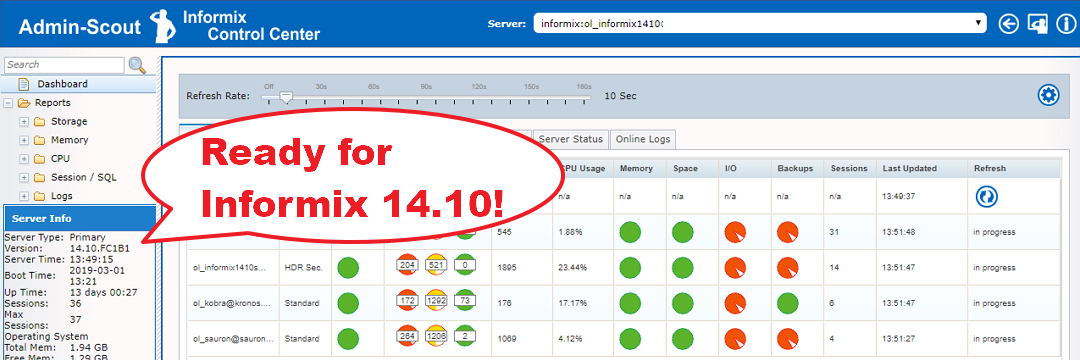 Important features for cluster configuration and better analysis of instances in a group
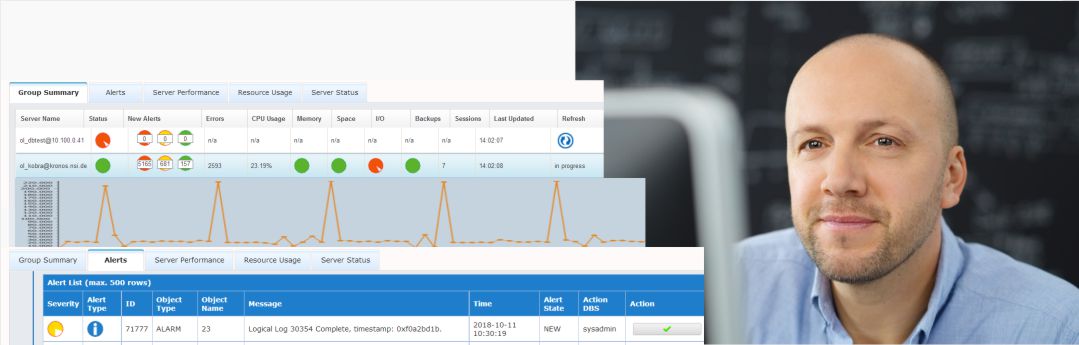 The Admins-Scout Dashboard is an extremely powerful and informative tool that gives you an overview of the state of your Informix servers
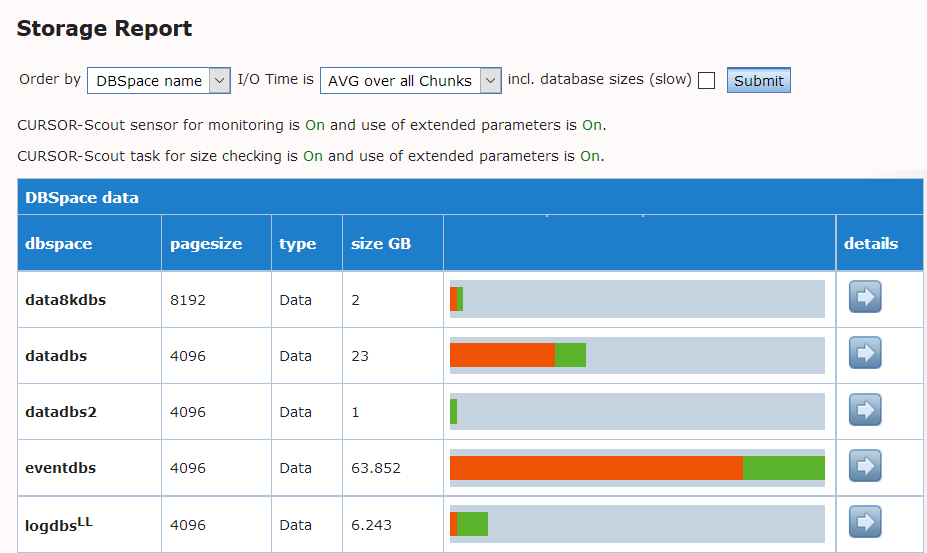 An Admin-Scout feature for fast analysis of DBSpaces
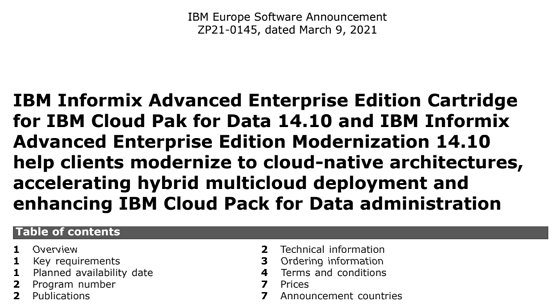 IBM Informix Advanced Enterprise for Cloud Pak and Modernization
(IBM Europe Software Announcement ZP21-0145, dated March 9, 2021)
Overview:
IBM Informix Advanced Enterprise Edition Cartridge for IBM Cloud Pak for Data 14.10 and IBM Informix Advanced Enterprise Edition Modernization 14.10 help clients modernize to cloud-native architectures, accelerating hybrid multicloud deployment and enhancing IBM Cloud Pack for Data administration.
With Informix Advanced Enterprise Edition Cartridge for IBM Cloud Pak for Data and
Informix Advanced Enterprise Edition Modernization, you can:
- Deploy on any cloud with Red Hat OpenShift.
- Modernize to a cloud-native architecture at your own pace.
- Use cloud-native benefits such as simplified provisioning, scaling, seamless upgrades, and consolidated management.
- Deploy and run faster with preconfigured templates on your choice of cloud.
- Add new users and resources easily, with a scale-as-you-go approach.
The new offering is licensed only via Virtual Processor Cores (VPC), Trade-Up from Informix Advanced Enterprise (PVU) or (VPC) is possible.
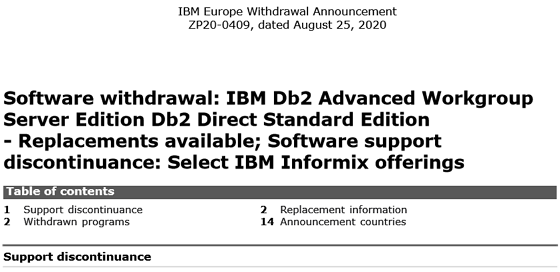 IBM software withdrawals for selected Informix versions
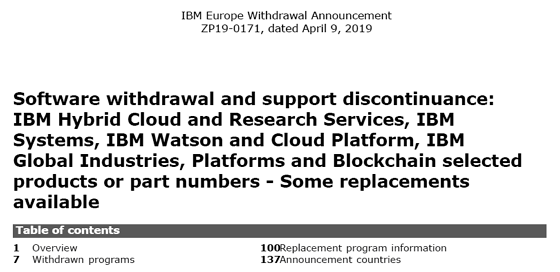 IBM software withdrawals for various Informix versions.
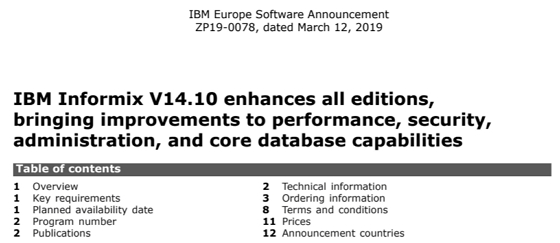 IBM Informix V14.10 enhances all editions, bringing improvements to performance, security, administration, and core database capabilities
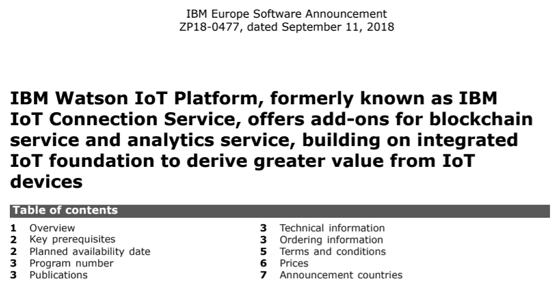 IBM Watson IoT Platform, offers add-ons for blockchain service and analytics service, building on integrated IoT foundation to derive greater value from IoT devices